IPTV experience completely reimagined
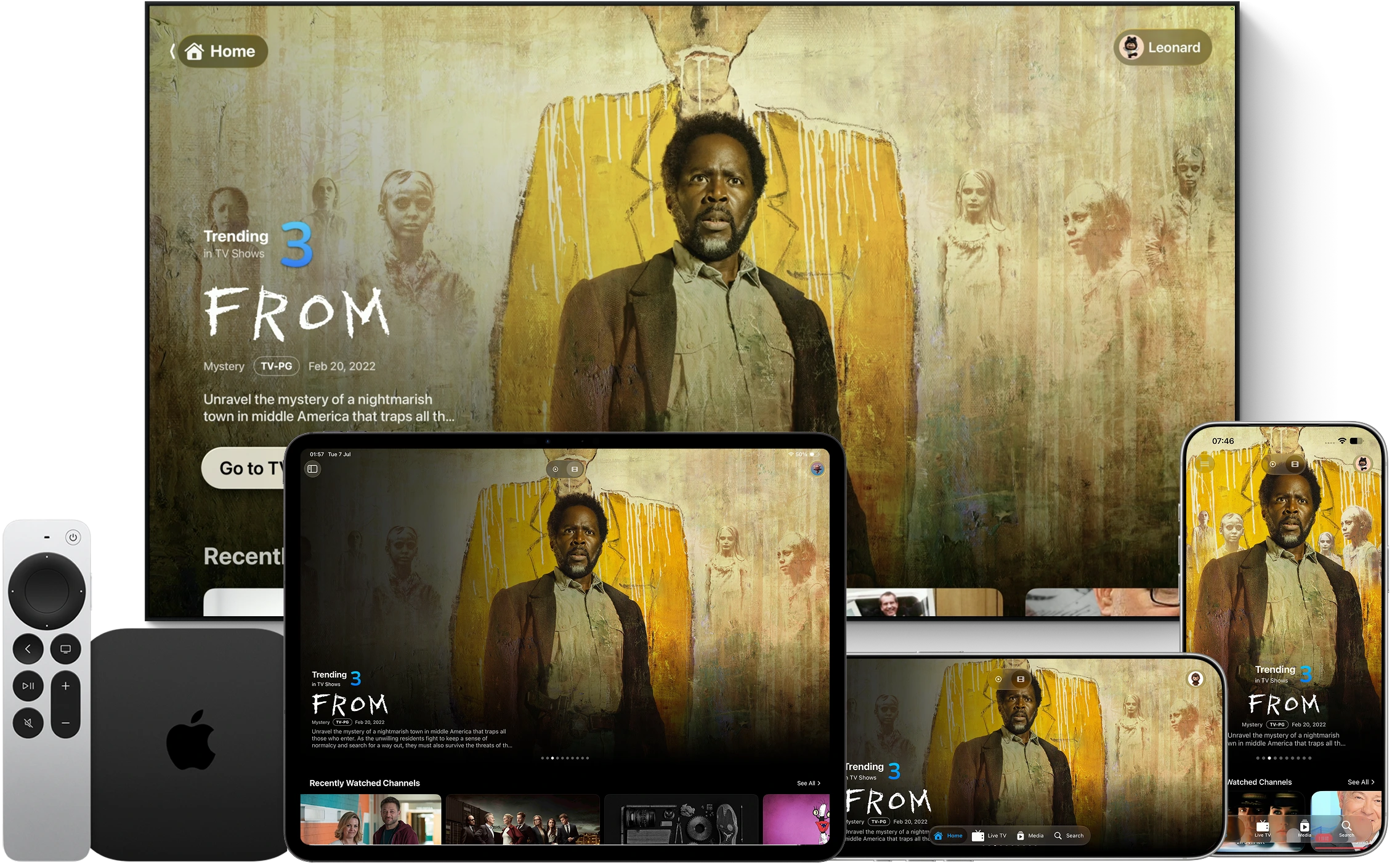
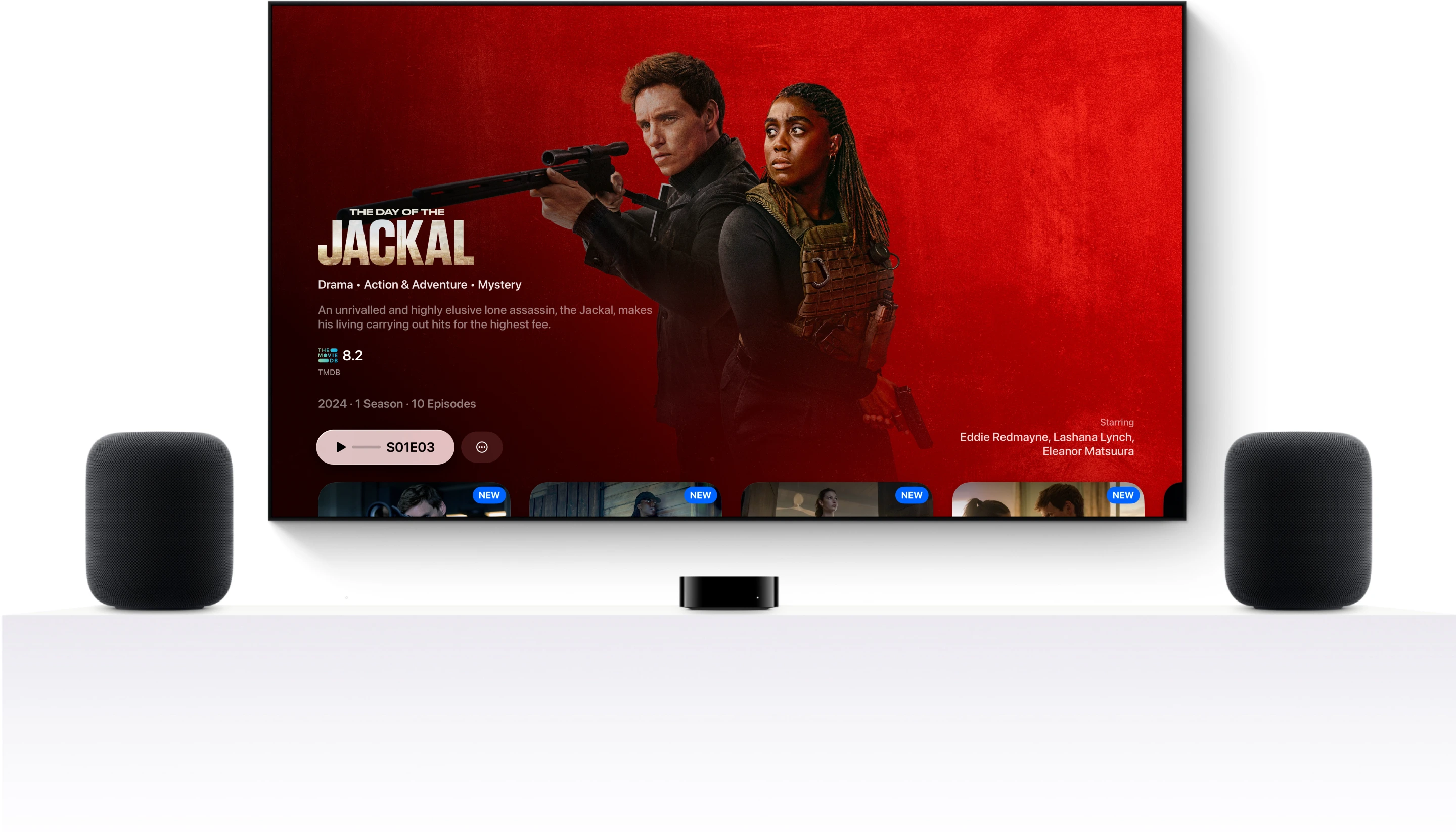
Your media experience has never looked and felt this good before. A design so beautiful you’ll never want to look away.
Bring what you already have
One Player.
Every source.
Point Triad at your M3U, Xtream, Plex, Jellyfin or network share and it becomes a real library — live TV with a full guide, movie posters, cast and episodes, downloads for the road, in sync across every screen.
- Plex
- Jellyfin
- Network share
- Server rack and NAS
- M3U playlists
- Trakt
Live TV
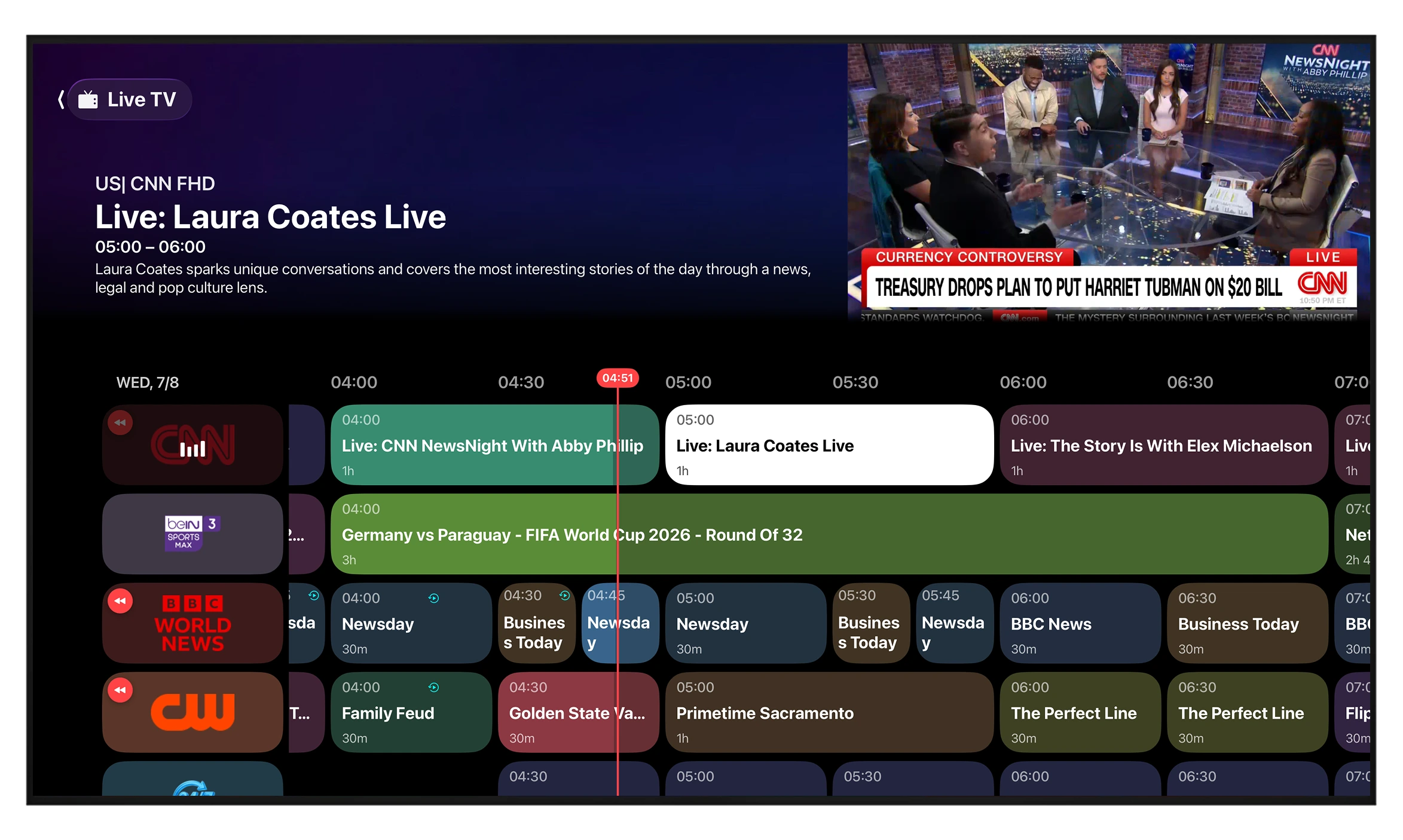
A real guide,
not a channel list.
Browse a full program guide with what's on now and next, jump straight into catch-up, and surf by channel number the way you actually watch TV.
Movies & Series
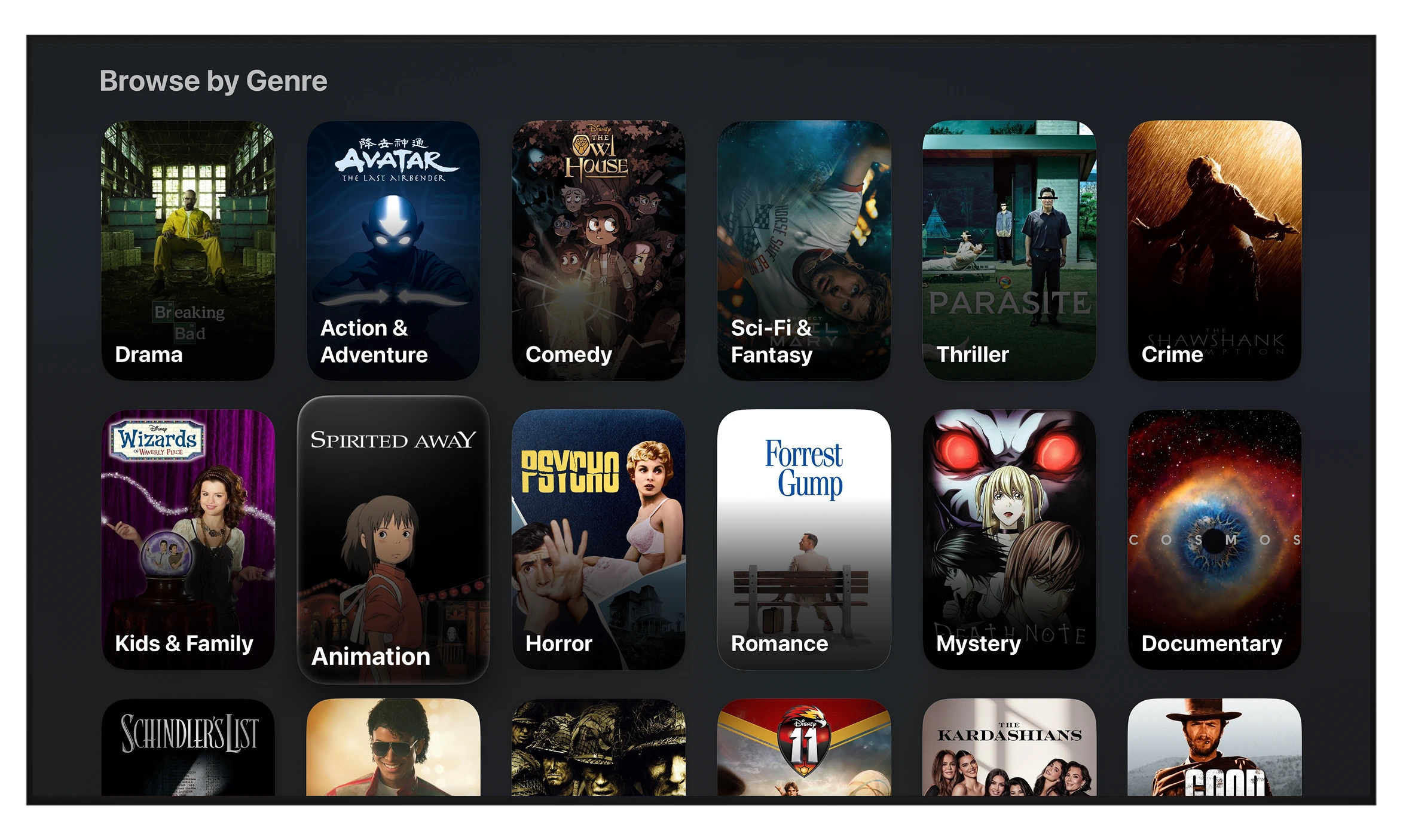
Your VOD matched for any mode and genres.
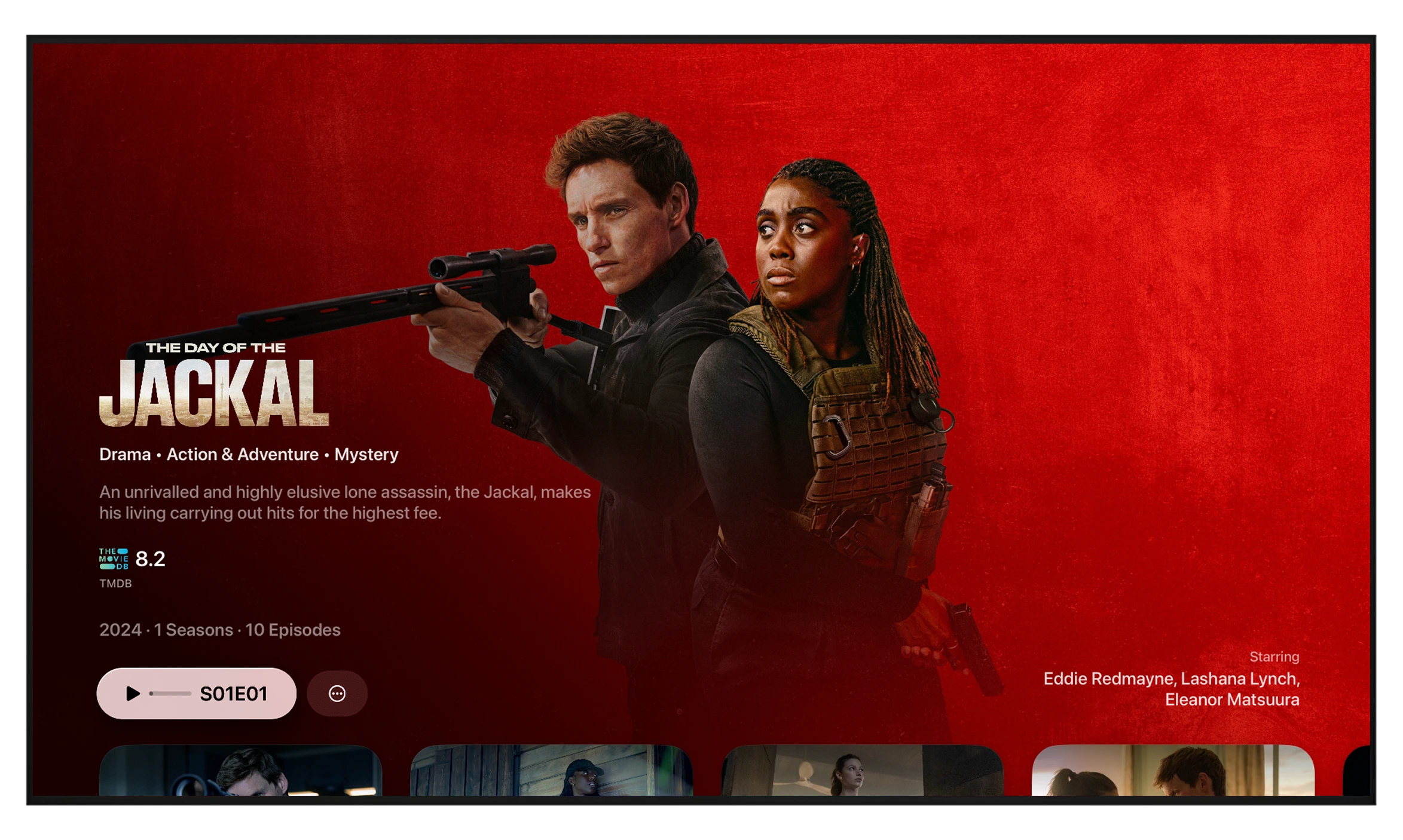
Triad matches your movies and shows to TMDB posters, backdrops, cast, ratings and full episode guides so a folder of files becomes a library you actually want to browse.
Downloads & Sync
Start on iPhone.
Finish on Apple TV.
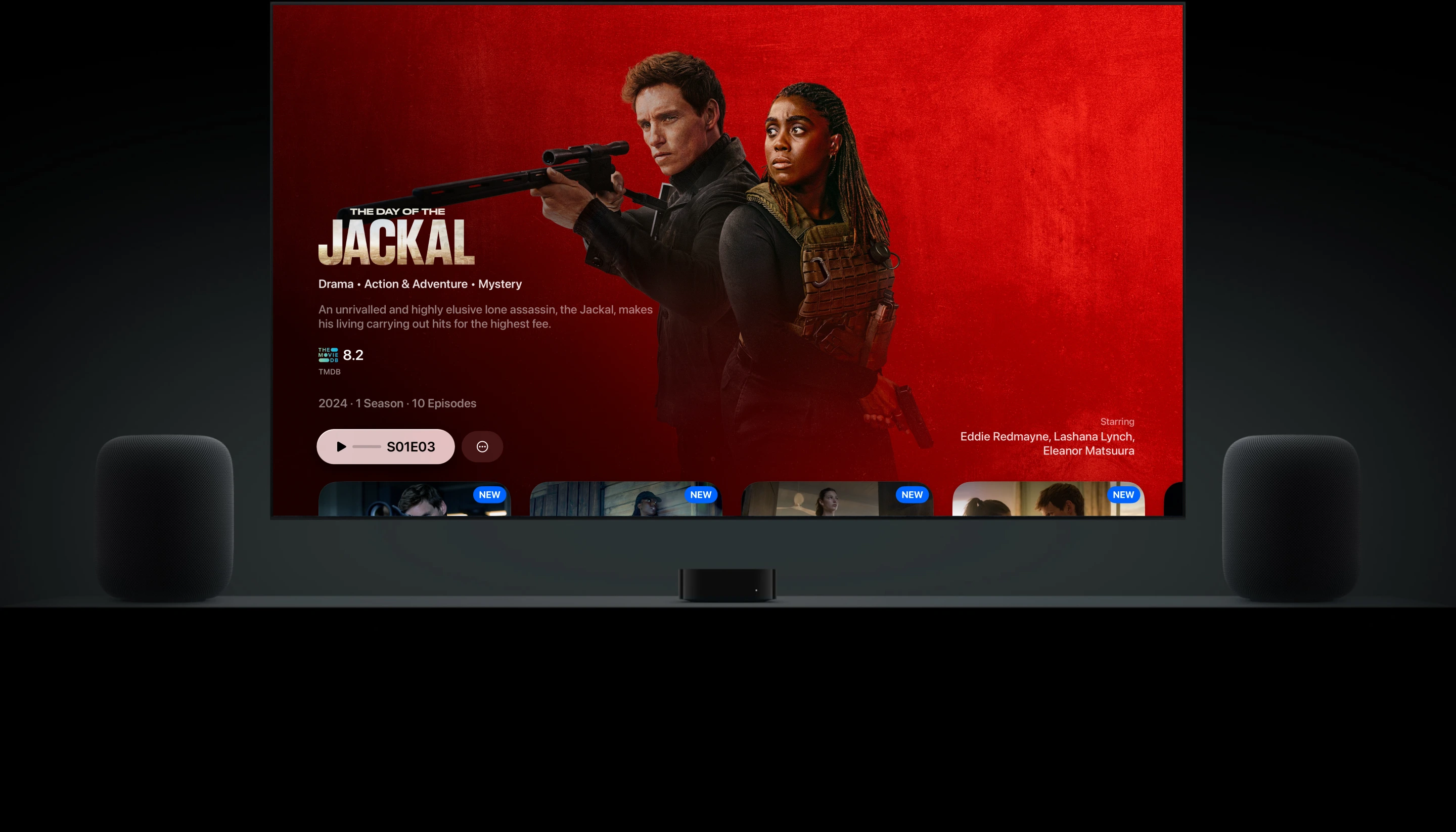
Download episodes to watch on a plane, then pick up on the big screen at home. Favourites, profiles and watch progress stay in sync across every device automatically.
For the whole home
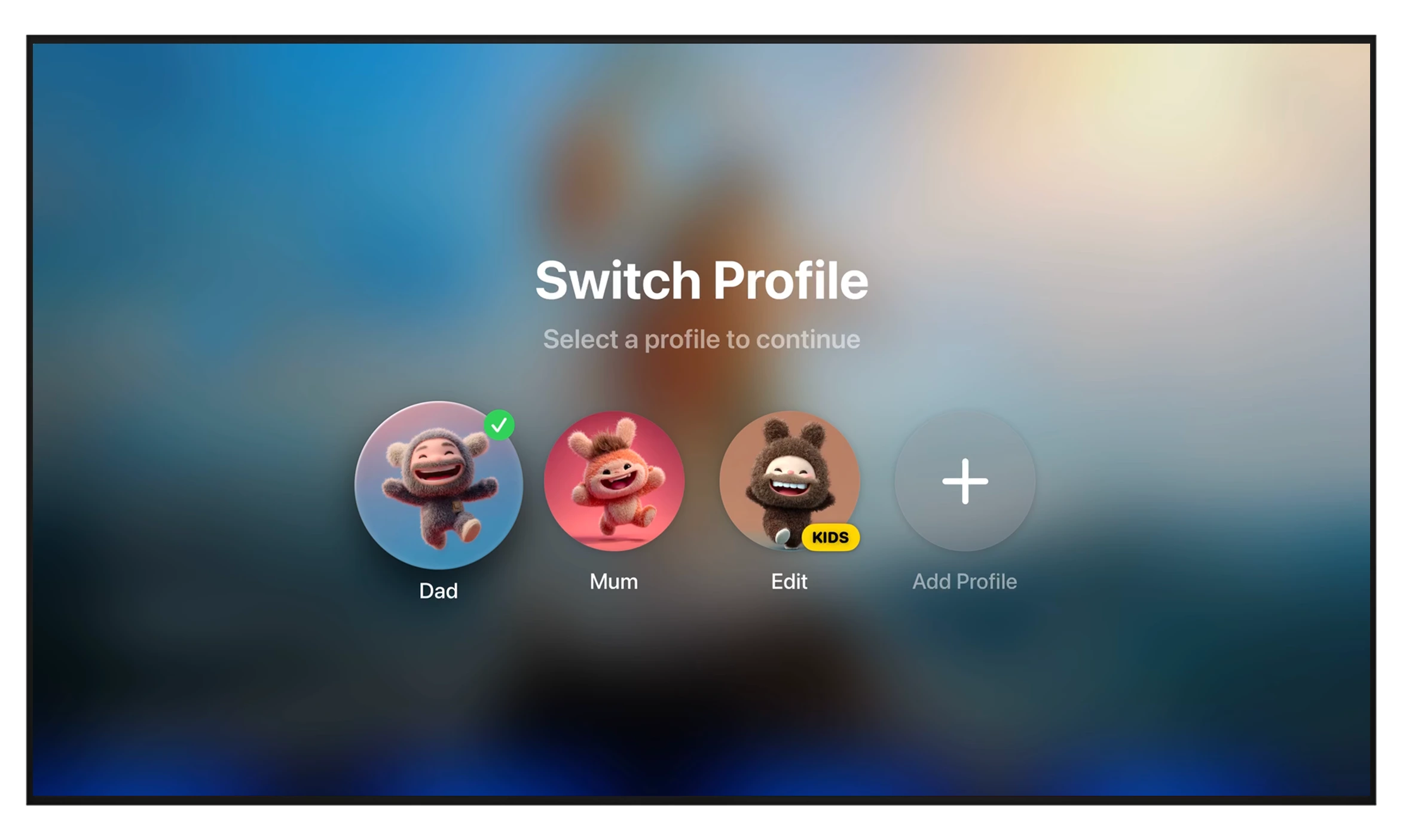
Everyone gets their own Triad.
Separate profiles keep watch history and favorites personal, and parental controls keep the kids' profile clean. No ads, ever — and your playlists never leave your control.
Get started in under a minute
Three steps to your library.
-
Step 1
Add your
sourceNo accounts to create, no content to buy from us. Point Triad at what you already have.
-
Step 2
Triad
organises itChannels, movies and series are sorted and enriched with guide data, posters and episodes.
-
Step 3
Watch
anywhereOpen it on iPhone, iPad, Android or Apple TV and keep watching in sync, right where you left off.
Made for everyone
One app across your devices.
No accounts to create, no content to buy from us. Point Triad at what you already have.
- Apple TV
- iPhone
- Android Phone
- Google TV
- Mac
- Apple Vision Pro
- AirPlay
- iPad
Bring your playlist.
We'll handle the rest.
Free to download. Set up in under a minute.